
 Live Chat

Changing Protocol and DNS on Android TV
Introduction
Android TV uses the same protocol list as the phone, including HTTPS Proxy, and the same DNS list (Quad9 by default).
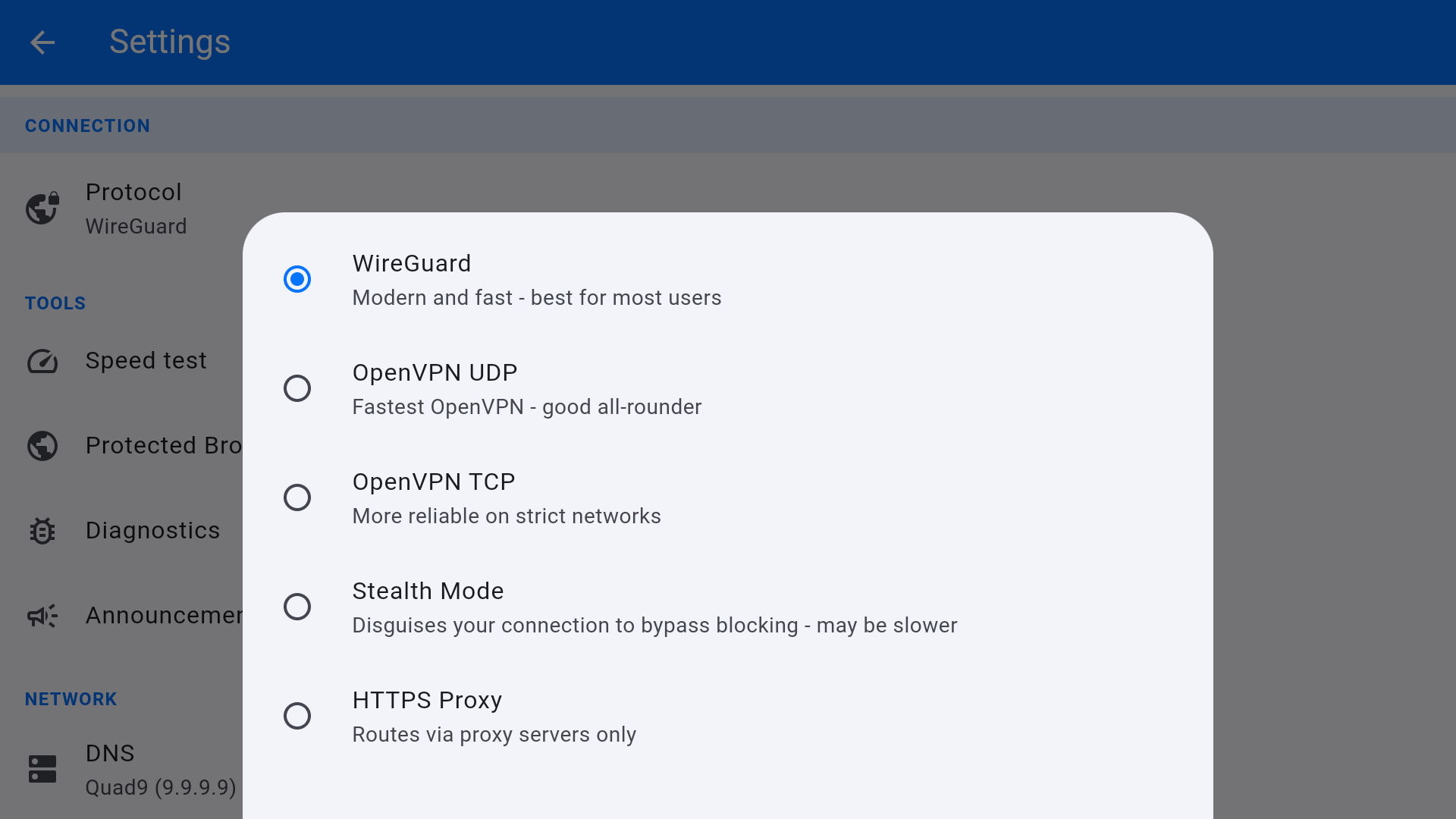
Protocol
- Open Settings from the home tile or the gear.
- Under CONNECTION, open Protocol.
- Choose WireGuard, OpenVPN UDP, OpenVPN TCP, Stealth Mode, or HTTPS Proxy.
- Reconnect. The home screen Protocol: line updates.
For streaming on a clean home network, stay on WireGuard. If the ISP or a smart DNS/TV overlay interferes, try OpenVPN TCP, then Stealth Mode.
DNS
Under NETWORK, tap DNS. Options are Quad9 (9.9.9.9), Cloudflare (1.1.1.1), Google (8.8.8.8), AdGuard (94.140.14.14), and Custom DNS. Keep Quad9 unless a streaming app breaks, in which case try Cloudflare.
This article is also in the client area knowledge base.