
 Live Chat

Connecting and Using VPN Safe on Firestick
Introduction
Once VPN Safe is installed on the Firestick, everyday use is three controls: the power button, the location card, and the kill switch tile.
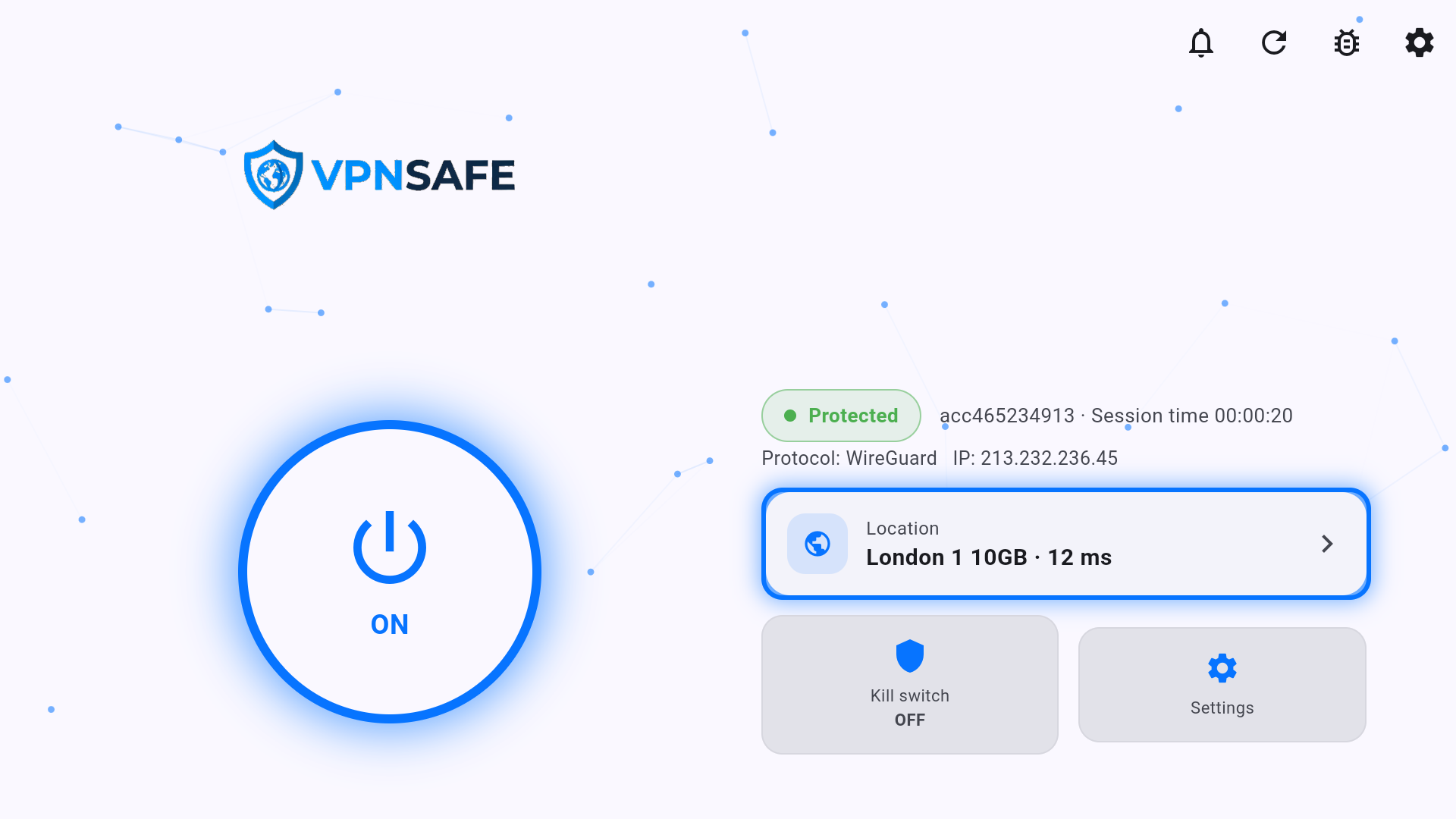
Connect and pick a city
- Open VPN Safe from Your Apps & Channels (you can add it to the home row).
- Press the power button to ON. Status becomes Protected.
- Highlight the location card (example: London 1 10GB · 12 ms) and press OK.
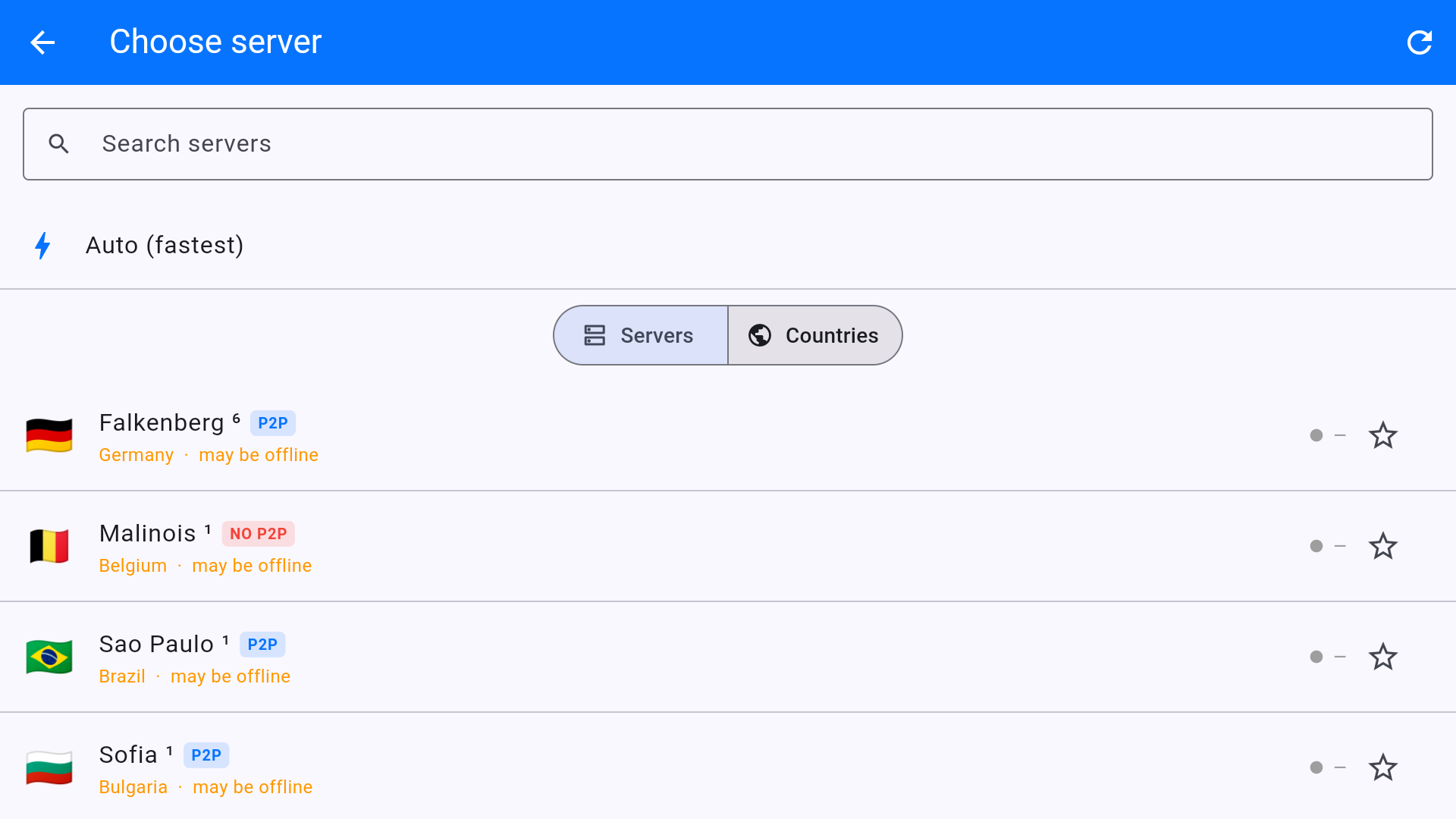
- Search, use Auto (fastest), or open Countries for a UK / US / other list.
Kill switch on the Stick
The home tile shows Kill switch OFF until you turn it on. Turn it on before a film if you do not want Prime Video or iPlayer to fall back to your home IP when the VPN drops. Pair it with Settings > Auto-reconnect.
If the Stick “has no internet” after you disconnect, the kill switch is still on. Turn it off, or connect the VPN again.
Local apps and casting
Settings > Allow local network lets the Stick talk to printers and some local devices while the VPN is up. Leave it on at home if an app cannot see a NAS or speaker. Turn on Block ads & trackers and IPv6 leak protection and leave them on.
This article is also in the client area knowledge base.