
 Live Chat

Streaming BBC iPlayer and Other Apps on Firestick
Introduction
Firestick is mostly used for TV apps. Connect VPN Safe first, then open iPlayer, Prime Video, Netflix, or similar. Pick a server in the country of the catalogue, not Auto (fastest), when the library is region-locked.
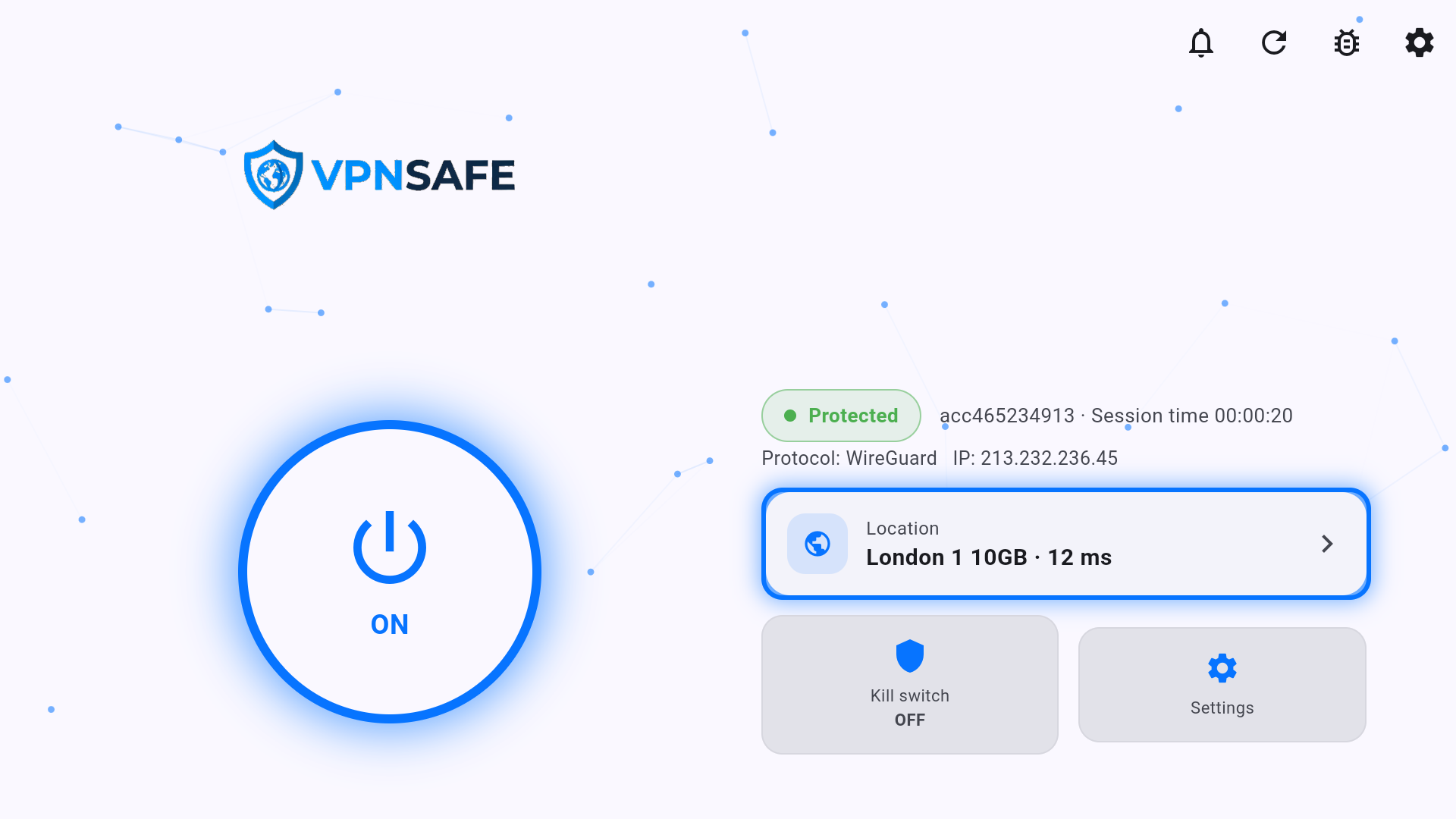
UK TV (BBC iPlayer and similar)
- Connect VPN Safe on the Stick.
- Open the location card and pick a United Kingdom server. Prefer a green ping and a 10GB or Iplayer node if you see one.
- Wait until the home screen shows a UK IP.
- Press Home, open BBC iPlayer (or the UK app), and play. Do not open the TV app before the VPN is Protected.
If iPlayer still says you are outside the UK, disconnect, pick a different London / UK server, reconnect, then force-stop iPlayer (Settings > Applications > Manage Installed Applications > iPlayer > Force Stop) and open it again.
Buffering
- Use a nearby 10GB / P2P server for bulk streaming, or the correct country for a locked library.
- Stay on WireGuard unless the ISP blocks it. Then Settings > Protocol > OpenVPN UDP, then TCP, then Stealth Mode.
- Skip rows marked may be offline. Press the refresh icon on Choose server.
- Ethernet (Fire TV Cube / Stick in a dock) is more stable than busy Wi-Fi.
The VPN Safe app does not replace Prime Video’s own regional licences. A UK IP shows the UK catalogue; a US IP shows the US catalogue. See also Troubleshooting BBC iPlayer and Netflix Access Issues with VPN.
This article is also in the client area knowledge base.