
 Live Chat

Kill Switch and Local Network on Android TV
Introduction
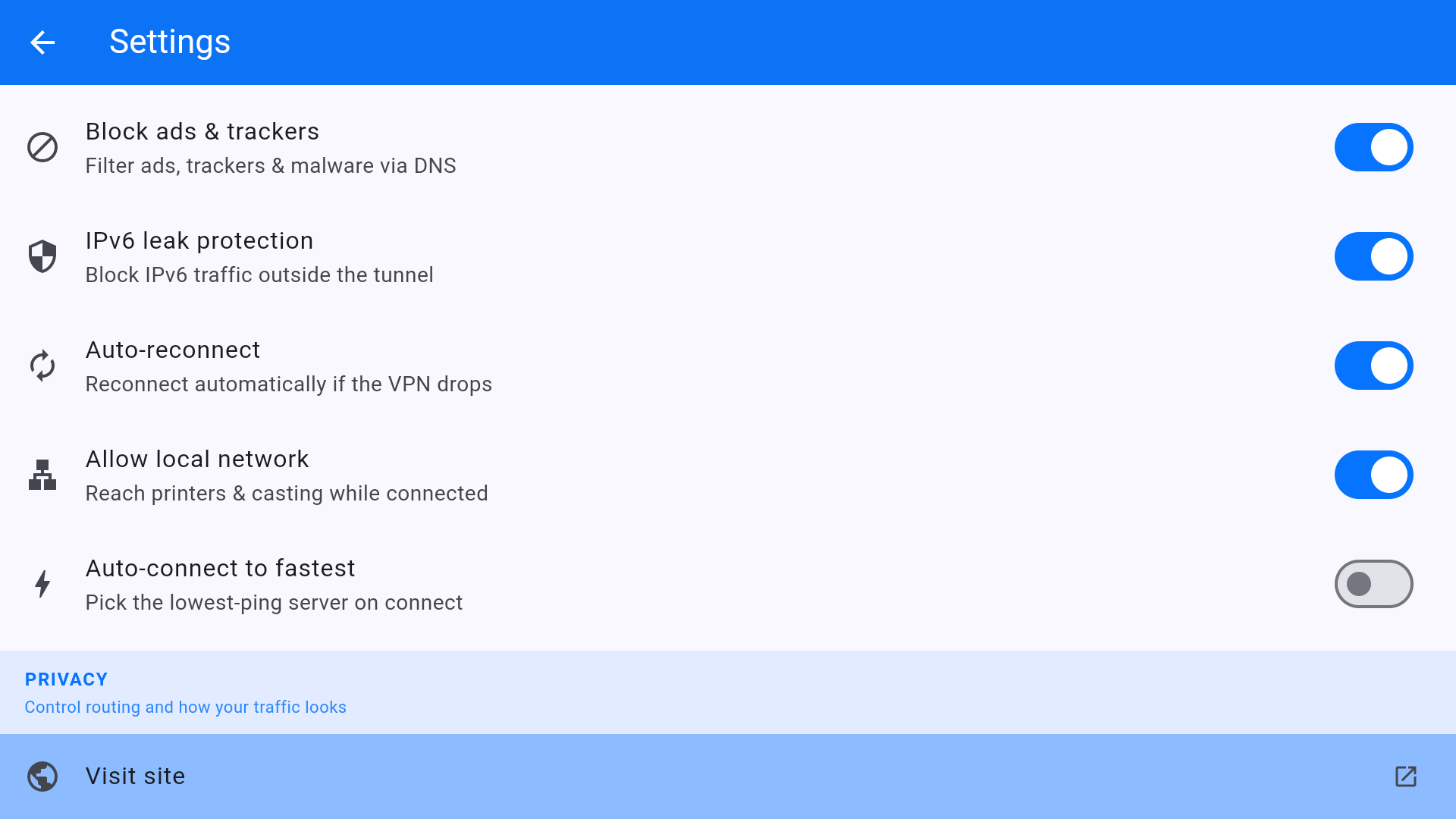
On the TV, kill switch is a home-screen tile. Local network is a Settings switch. They work against each other if you want Chromecast/AirPlay-style local discovery while the VPN is up.
Kill switch
- On the home screen, highlight Kill switch and turn it on (the tile should not say OFF).
- In Settings, turn Auto-reconnect on so a drop comes back without the remote.
- Leave IPv6 leak protection on.
With kill switch on, disconnecting the VPN also drops Prime Video, YouTube, and the Play Store until you connect again or turn the switch off. That is the point.
Allow local network
Turn this on if the TV must see a soundbar, NAS, or local media app on the same LAN while the VPN is connected. Turn it off on hotel Wi-Fi. It does not replace the kill switch; it only punches a hole for LAN addresses.
This article is also in the client area knowledge base.